The TVB-O platform
Everything the browser does, and where each thing lives
tvbo.charite.de is the browser face of everything this documentation describes. It browses the same knowledge base, assembles the same specification, and runs it with the same tvbo package. Nothing needs an installation, and browsing, building, exporting and running need no account — one only gives you somewhere to keep the result.
This page is the gallery. Each card links to the live page and to the platform’s own guide for it.
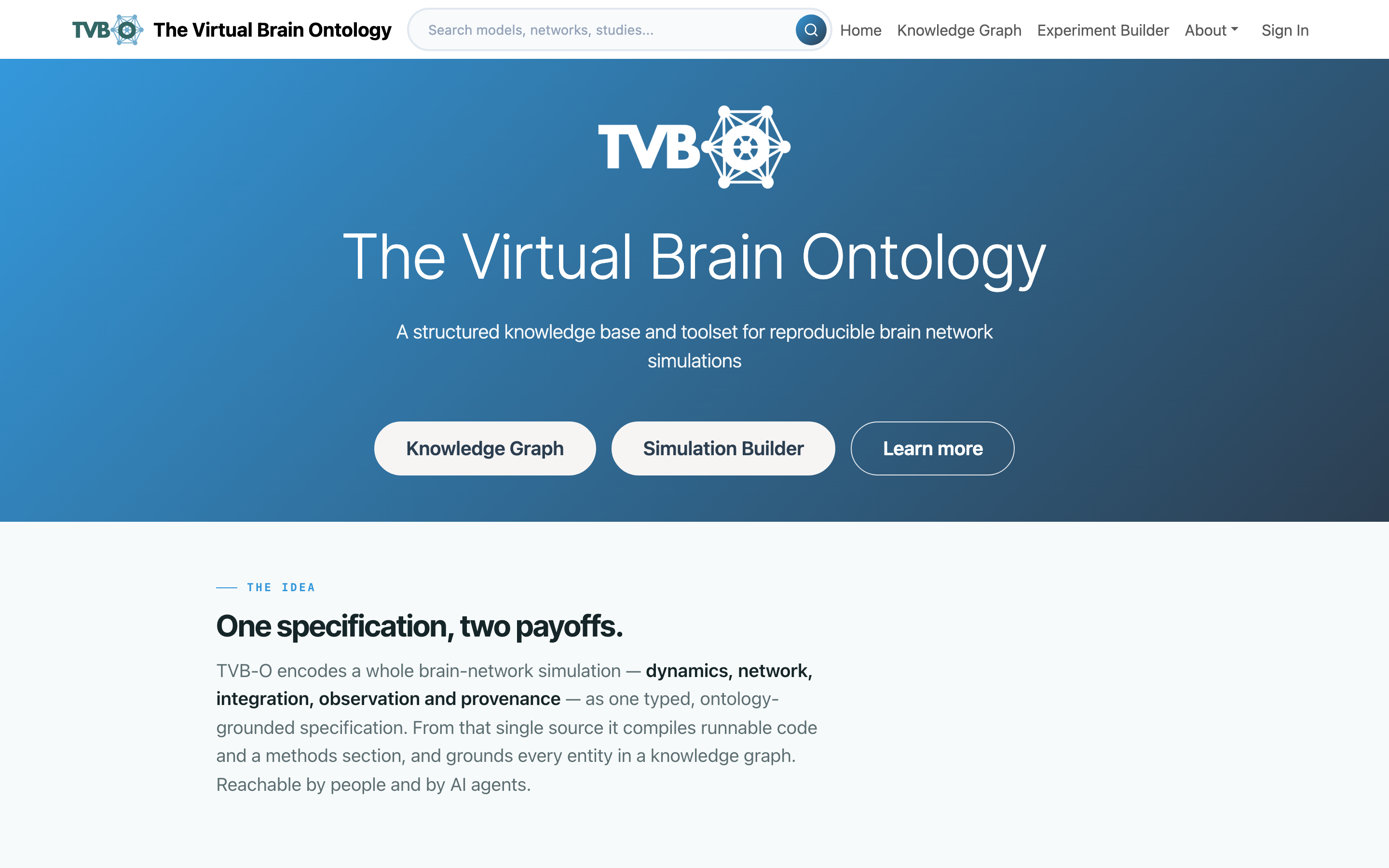
① Explore — the knowledge graph
A searchable catalogue of the ontology: dynamics, networks, integrators, couplings, observation models, atlases, graph generators, and the studies that use them. The same results appear as a filterable grid or as a node-link diagram, and the toggle carries your search and filters across.
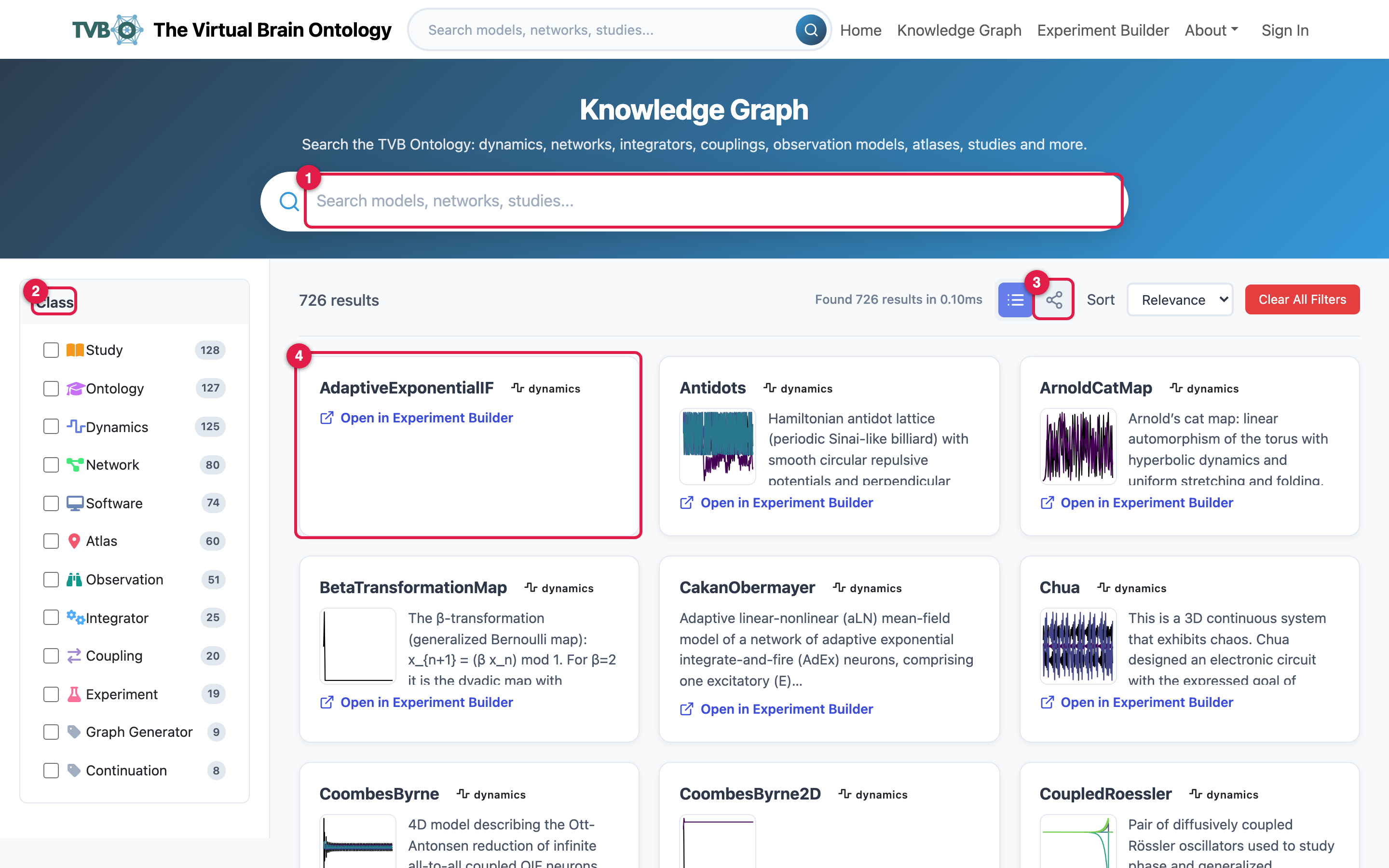 ### List view Search filters live across names and descriptions; the Class facet narrows to Dynamics, Network, Coupling, Study, Atlas and the rest, each with a count.
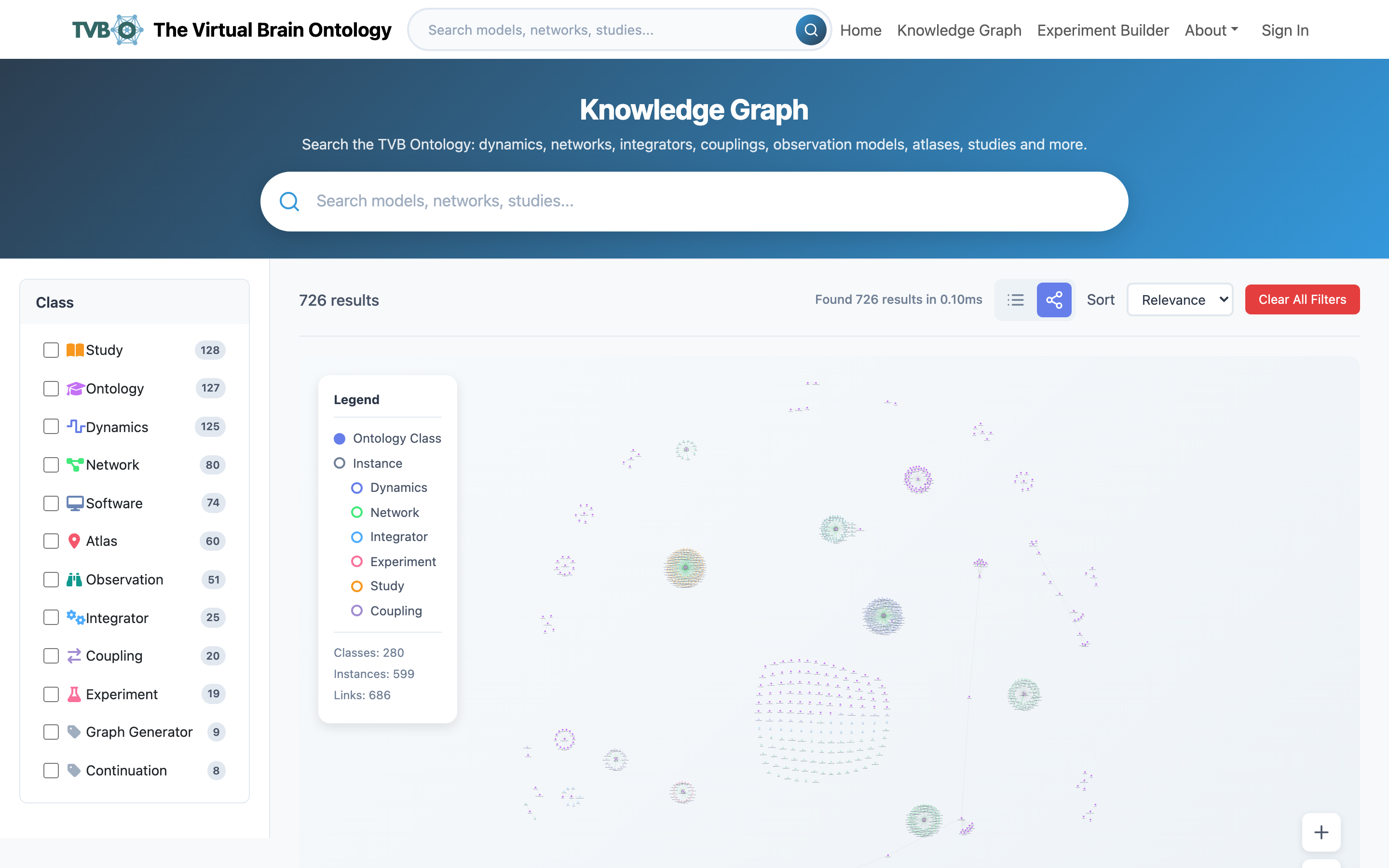 ### Graph view The same results as a node-link diagram. Edges are the relationships themselves, so it surfaces related entities you did not search for.
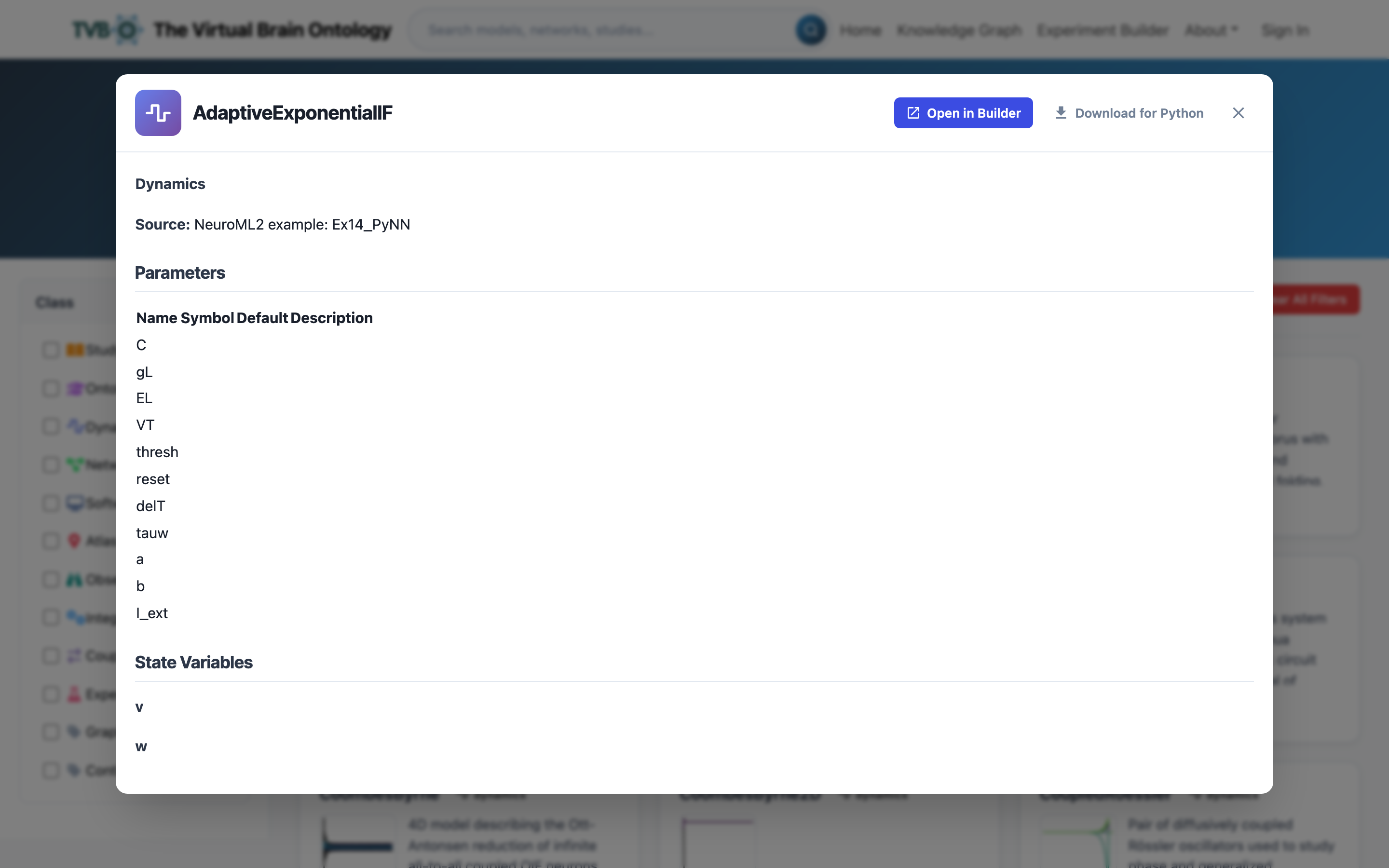 ### Entity detail Description, parameters, state variables, governing equations and related entities, with one action that sends the entity straight into the builder.
The same catalogue is reachable from Python with Dynamics.list_db() and Dynamics.from_db(...); see Models & dynamics.
② Specify — the experiment builder
A row of tabs, one per part of an experiment, filled in any order against a single working spec that is schema-validated live in the YAML Specification panel. Only well-formed experiments export, and an untouched example exports byte-for-byte the curated original.
Three ways to start, mixable: from a curated example, tab by tab, or by sending a component over from the knowledge graph.
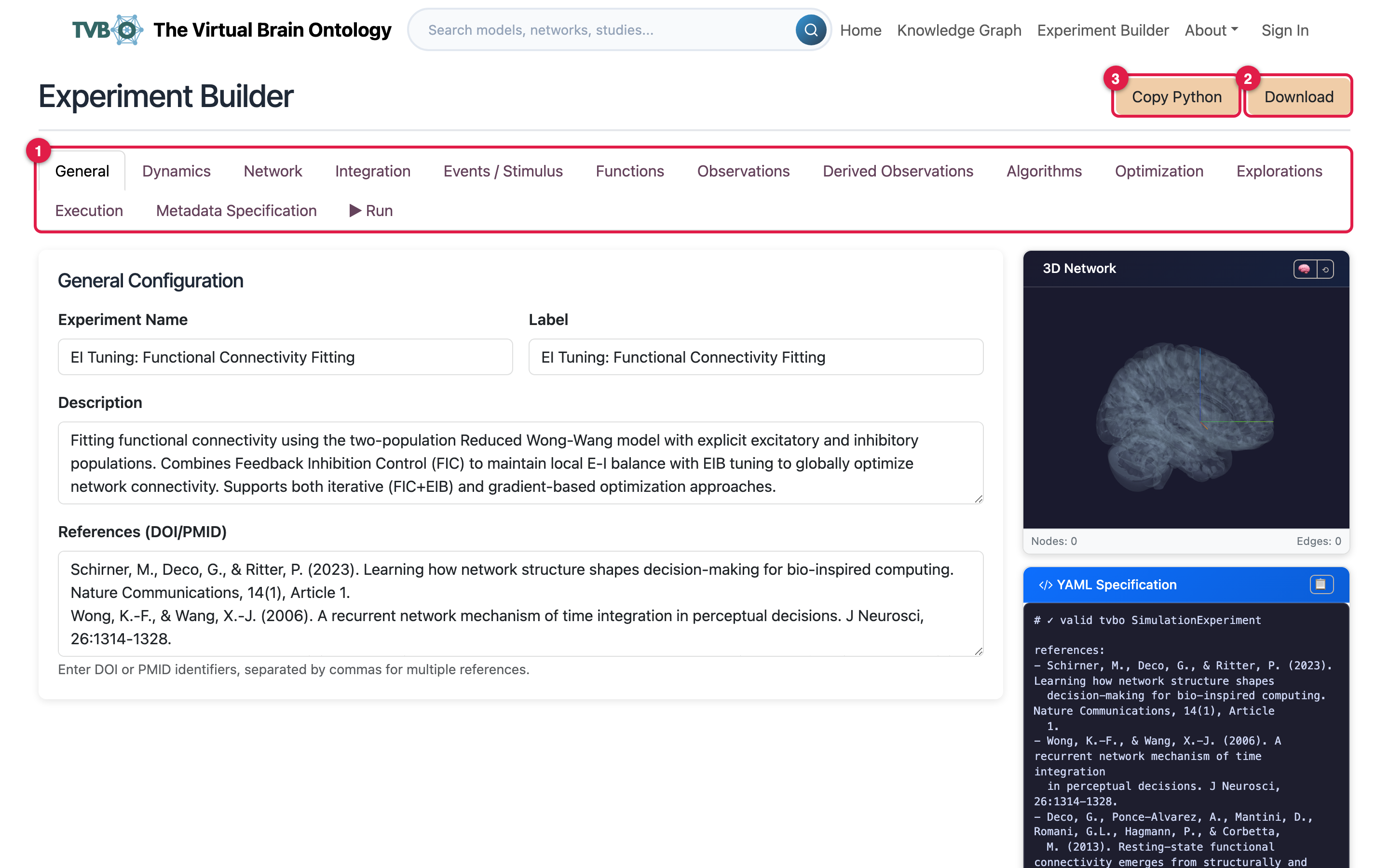 ### General Name, description and integration settings, with the live YAML beside them.
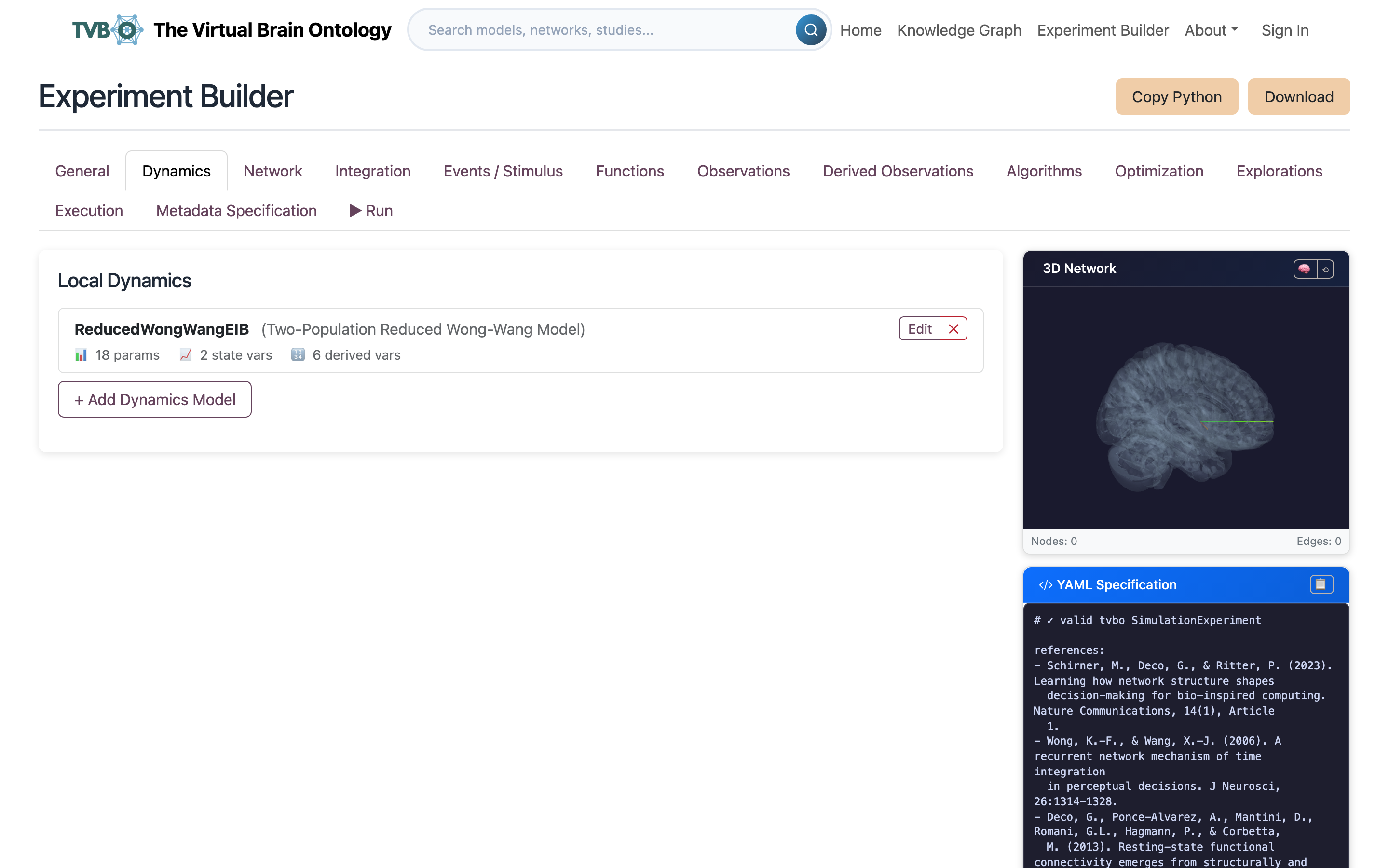 ### Dynamics Pick a curated neural mass model and edit its parameters. This is the
 dynamics: block of the running example.
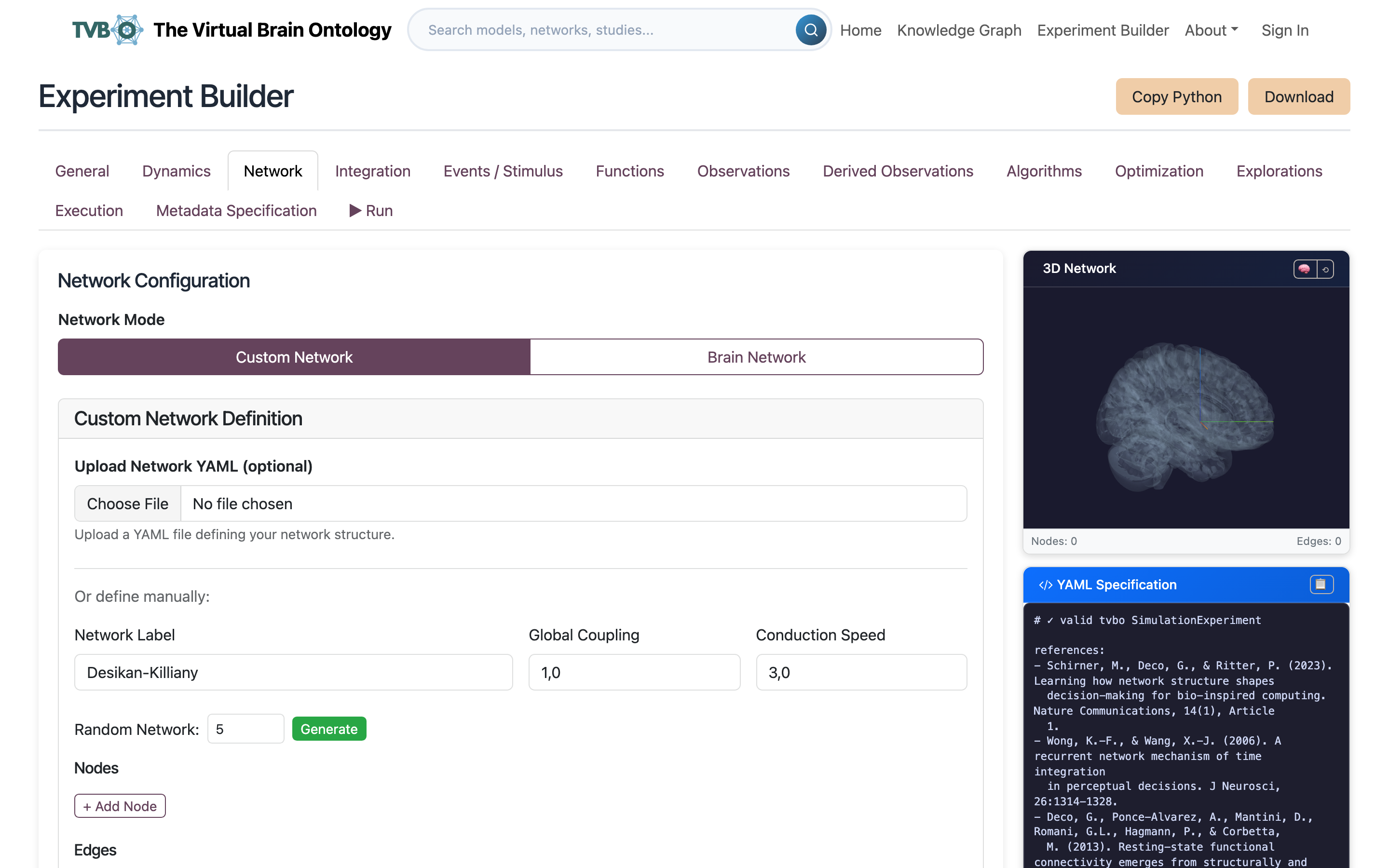 ### Network & coupling Choose a connectome and the coupling that carries activity between its nodes.
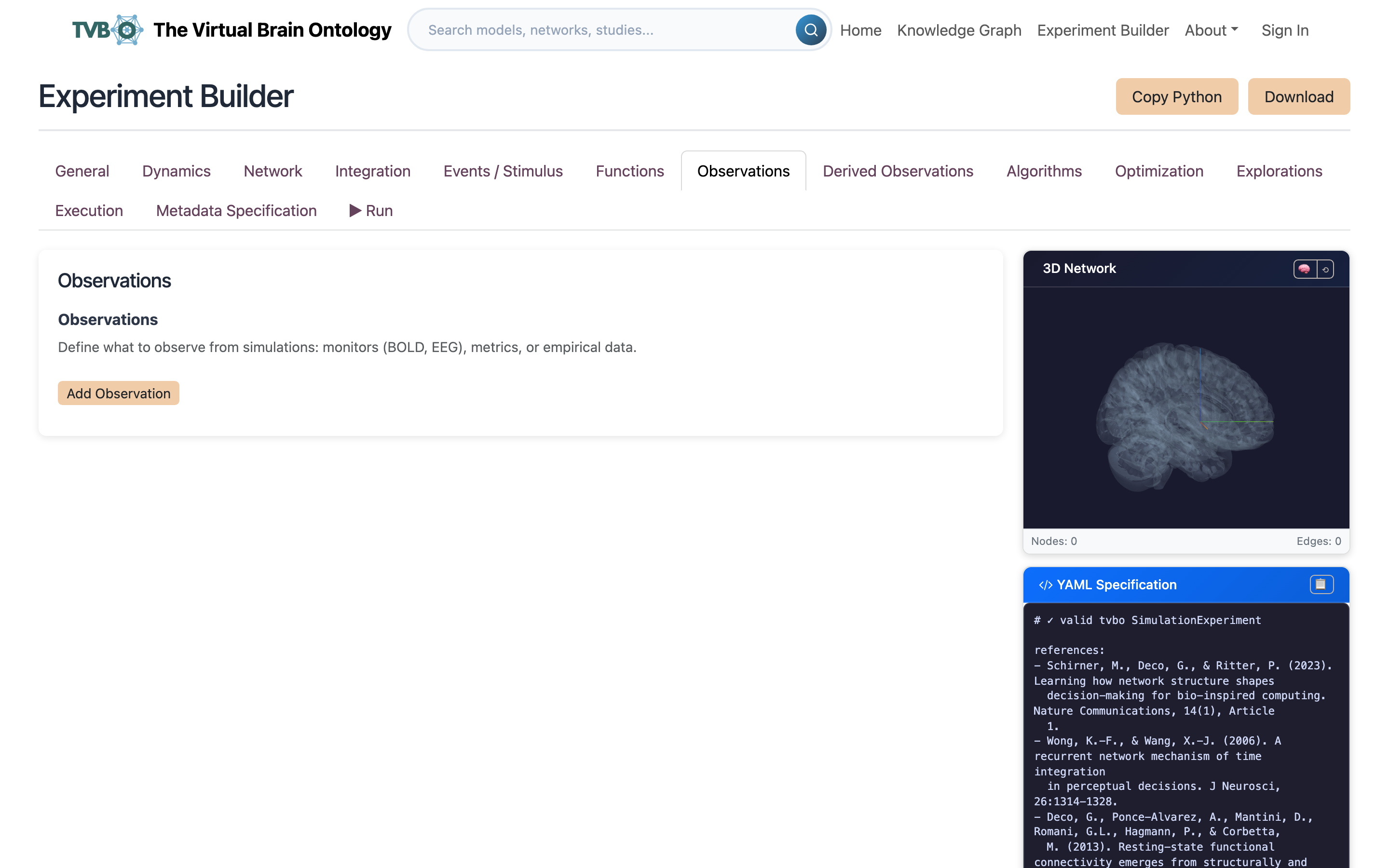 ### Observations Declare what the run measures rather than keeping the whole state.
④ Run — in the browser or in Python
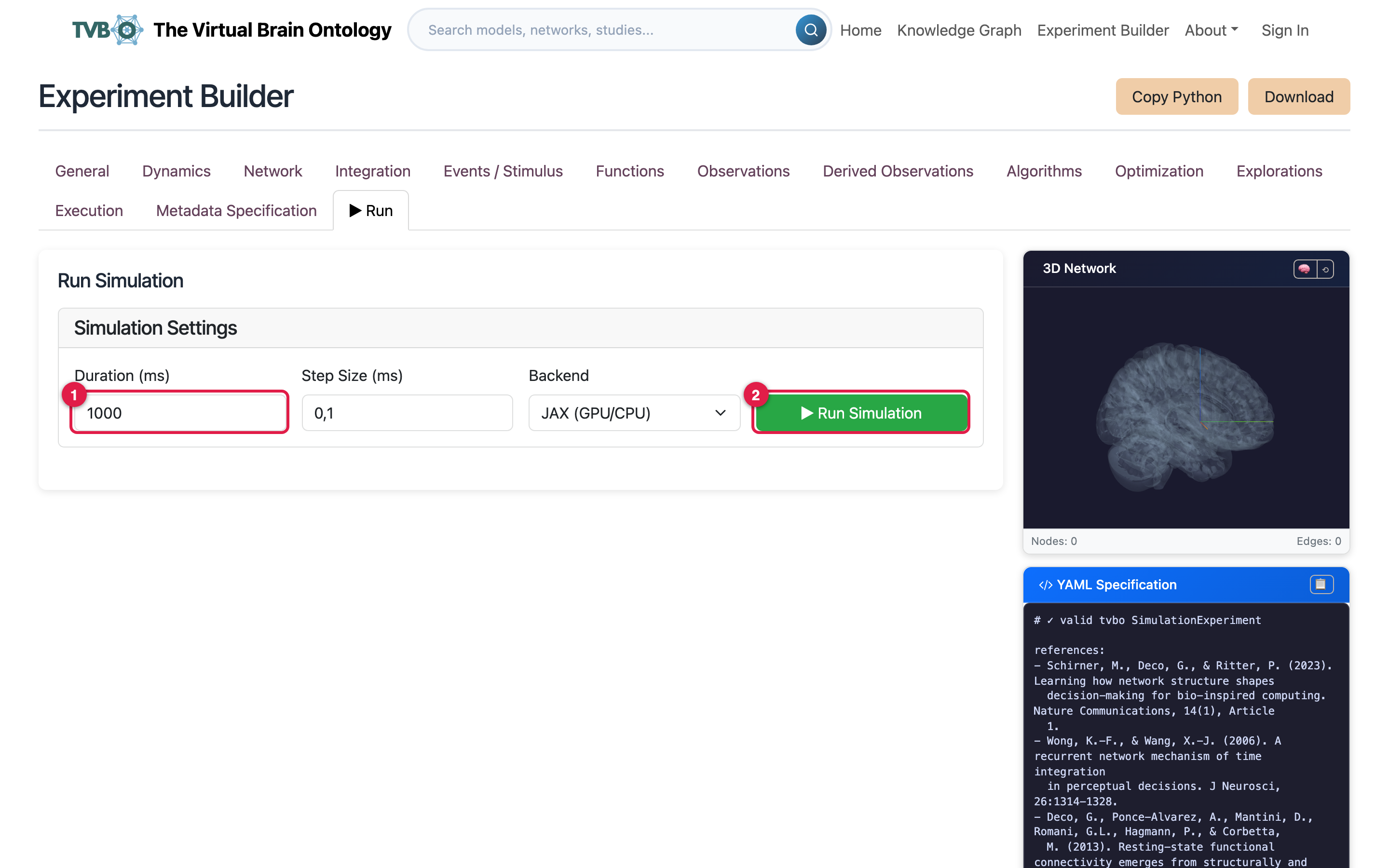 ### Run in the browser Set duration, step size and a compute backend such as JAX, then run. The platform executes it with the
 tvbo package and returns the result, which is the quickest way to check an experiment before exporting it.
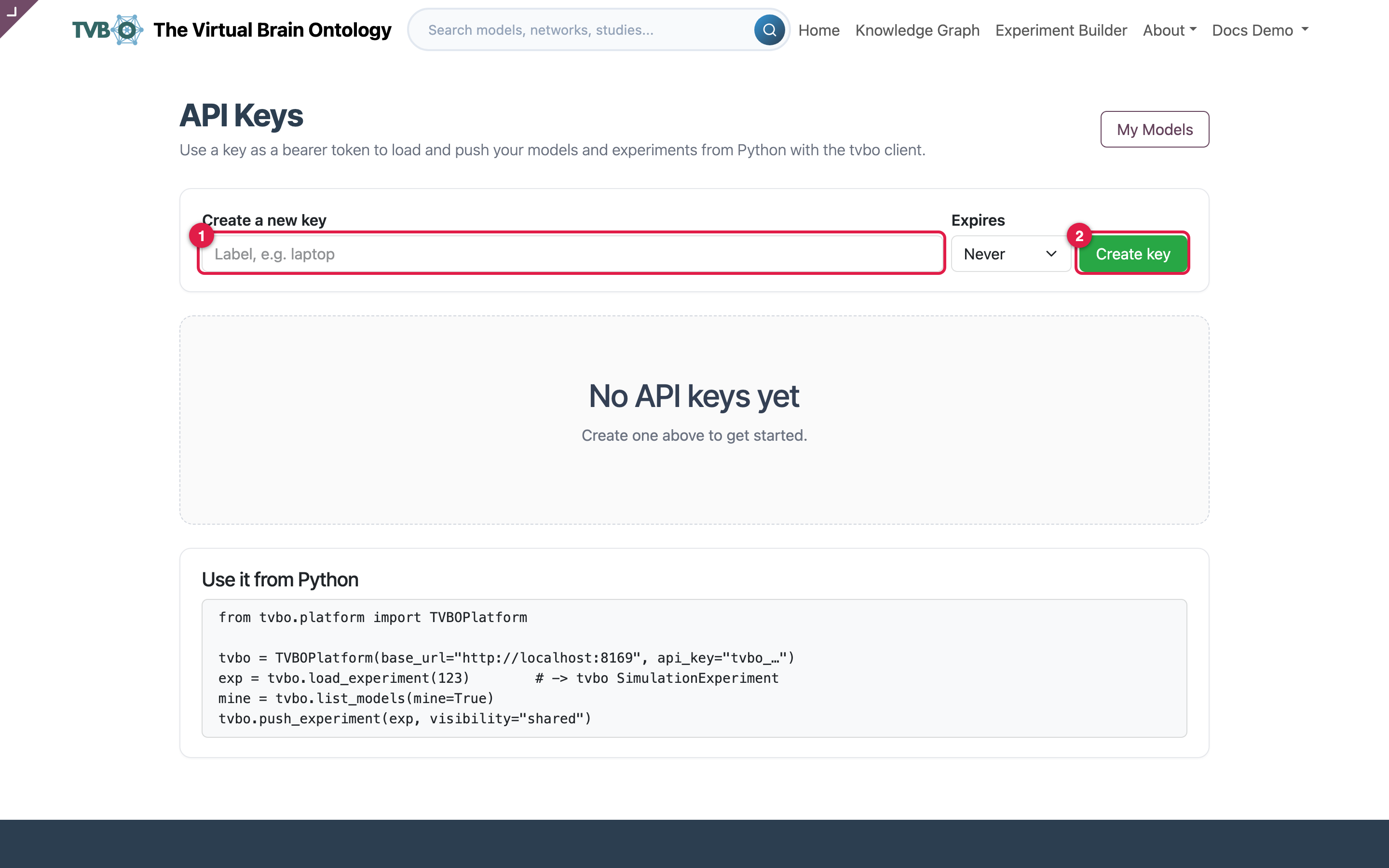 ### REST API
 GET /api/tvbo/v1/experiments lists what you can see, ?format=yaml fetches one, and POST saves one back, so a collaborator reproduces a run by id rather than by emailed YAML.
Download saves the experiment as a YAML bundle plus a companion data file for the connectome matrices; Copy Python puts a ready-to-run snippet on the clipboard. For full control over a run, export and use Python: Run on a backend covers what the browser’s backend picker is choosing between.
⑤ Share — two different things
The platform keeps sharing and publishing separate, and the difference matters.
| Share (peer to peer) | Publish (community) | |
|---|---|---|
| Who can see it | Only the people you name | Everyone signed in |
| Where it appears | Their Shared with me page | The community gallery and the knowledge graph |
| Takes effect | Instantly | Only after review |
| Review | None | Automated validation and a human reviewer |
| Good for | Collaboration, feedback, handing a copy to a colleague | Contributing curated, citable content |
You can do both independently: share a draft with a colleague while you work on it, then submit that same element for publication later.
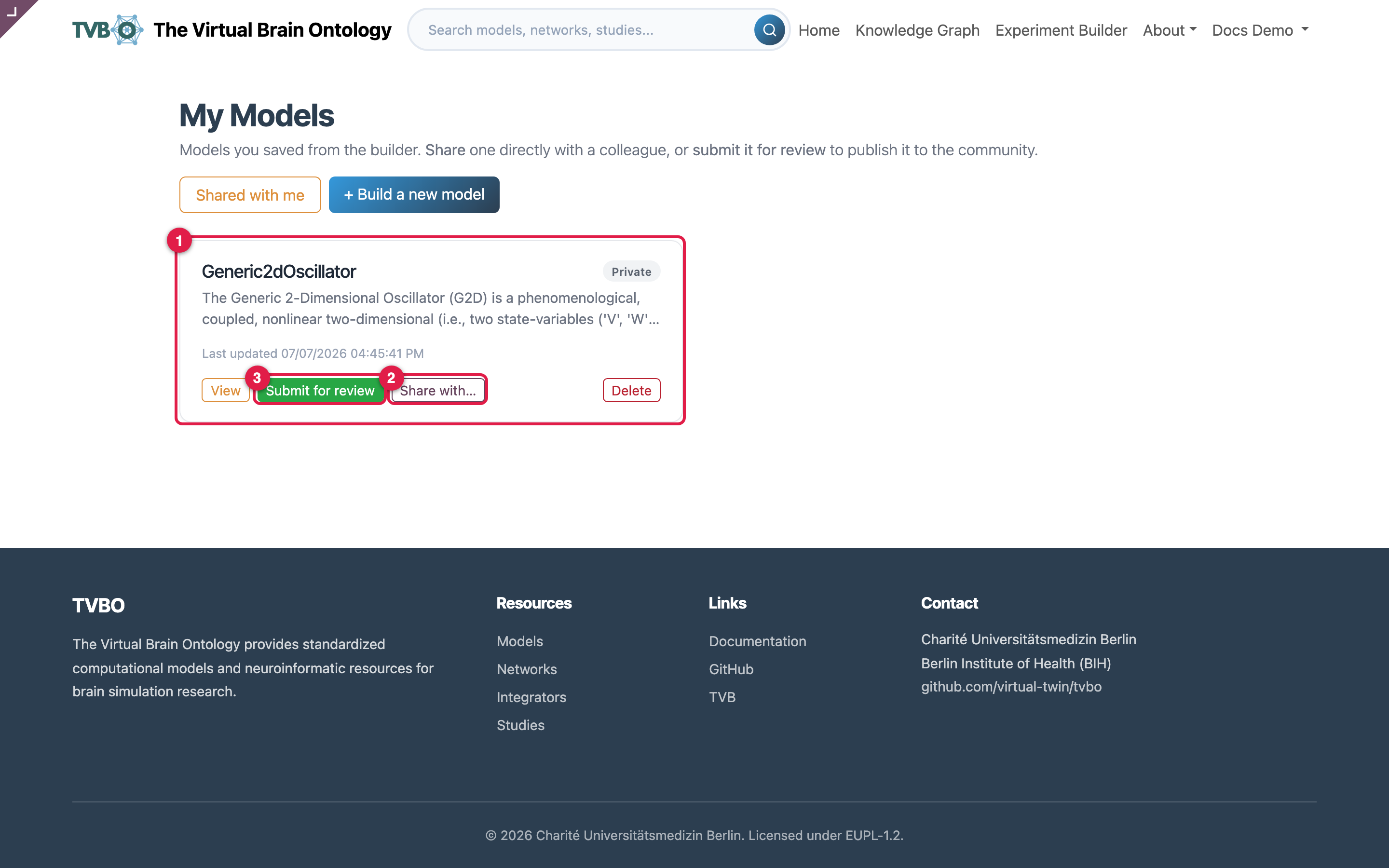 ### My models Saved models and experiments, each showing its state and its Share and Submit actions. Saved items stay private until you act.
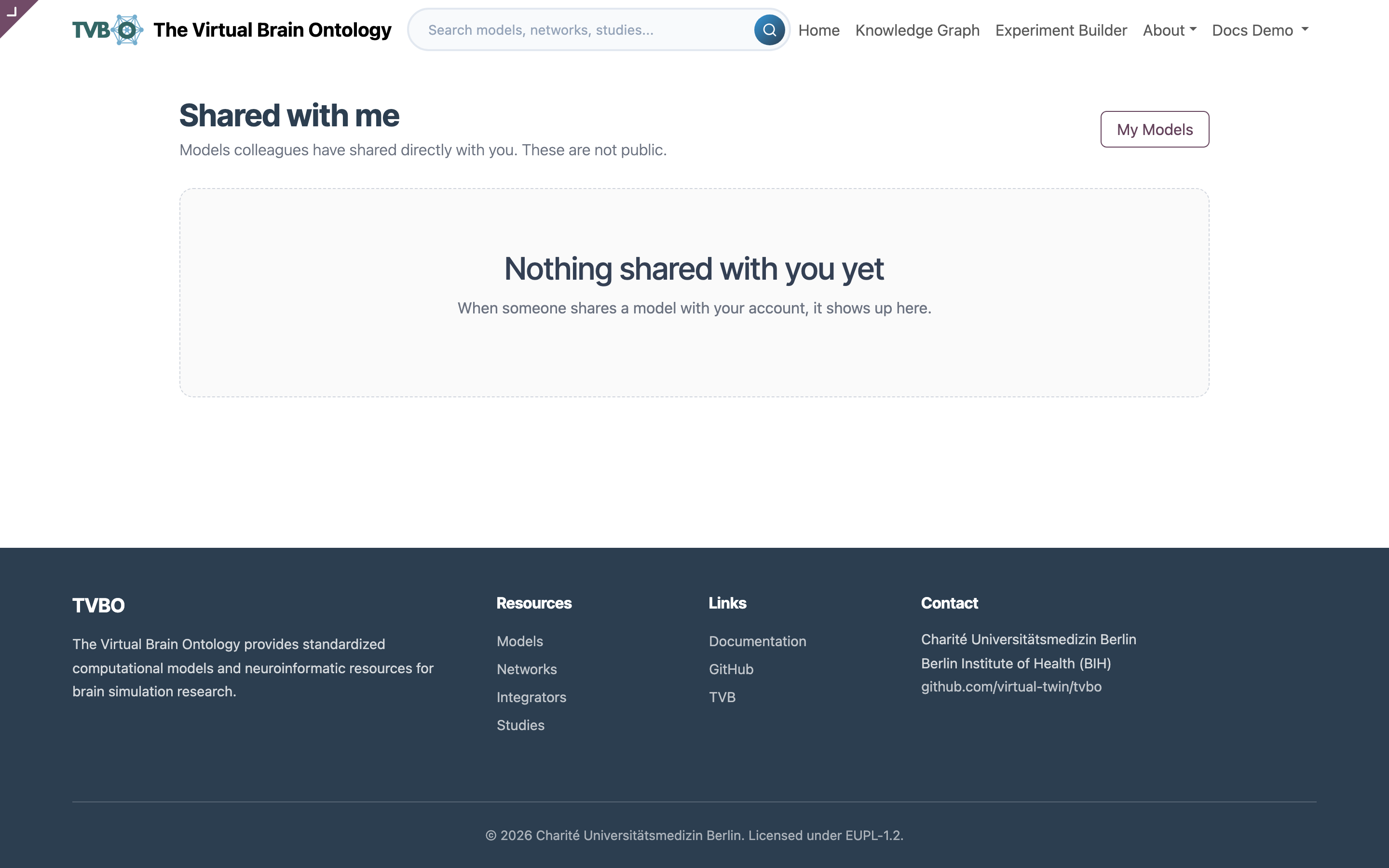 ### Shared with me What colleagues granted you access to, instantly and without review. Reached from My models, where the sharing is granted.
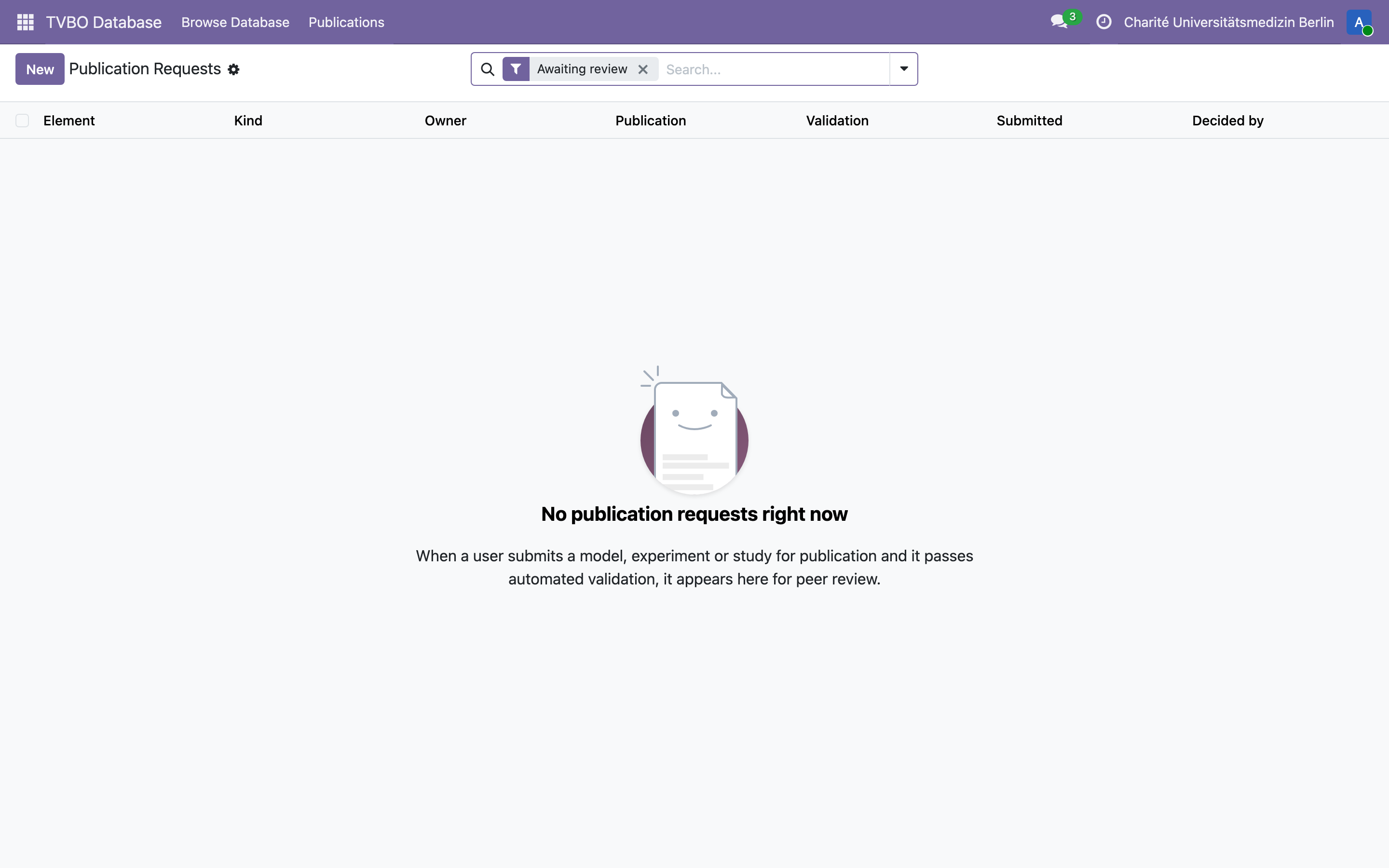 ### Publication review Submissions queue for a reviewer, colour-coded by state: amber awaiting review, green published, red validation failed. One approval publishes.
guide (staff)
A published result belongs in an archive as well as a gallery: Results in BIDS and openMINDS cover that side.
Alongside
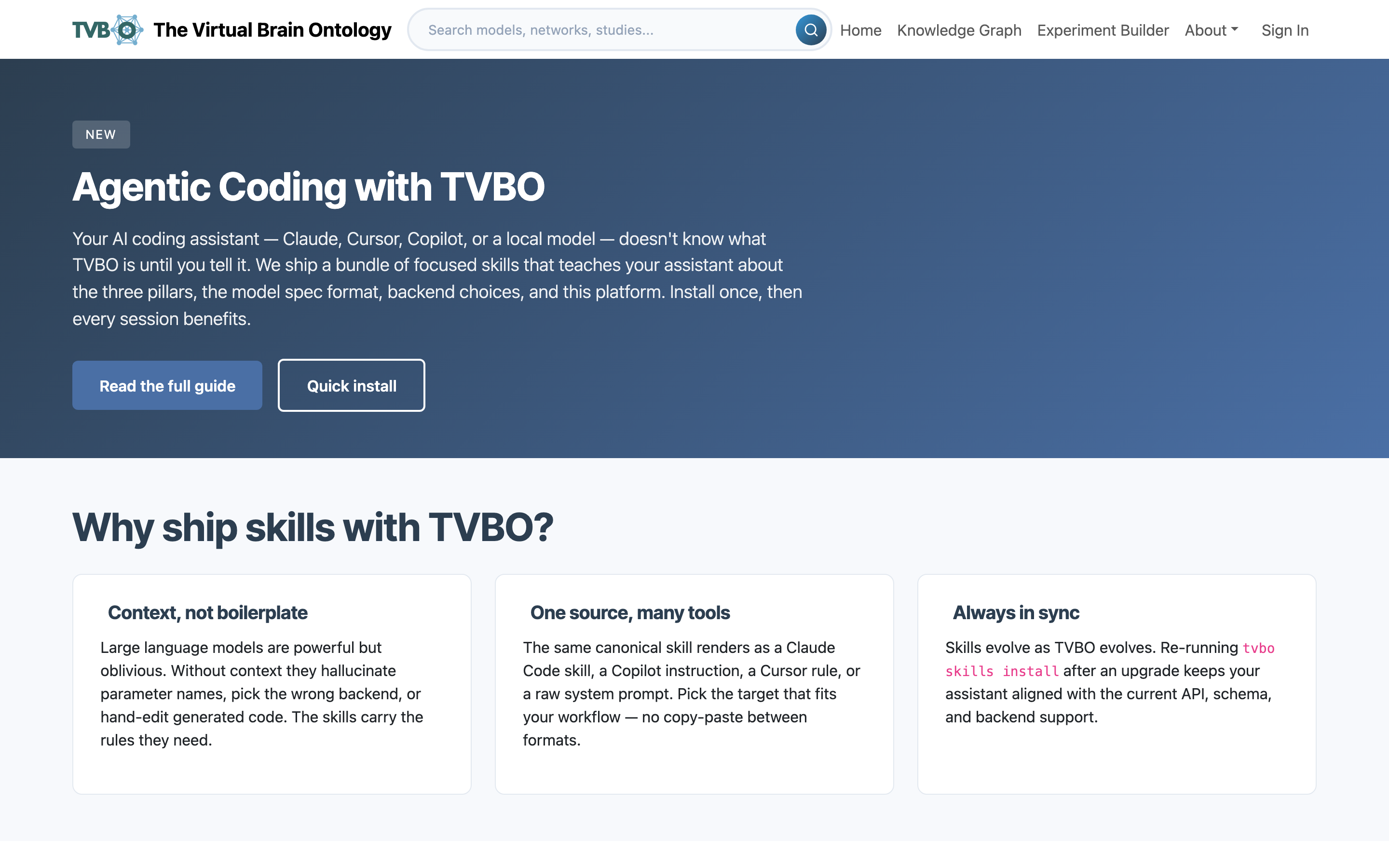 ### AI agents A quick install for the assistant skills, then a path from running a curated model to describing an experiment in plain language and letting the assistant write it.
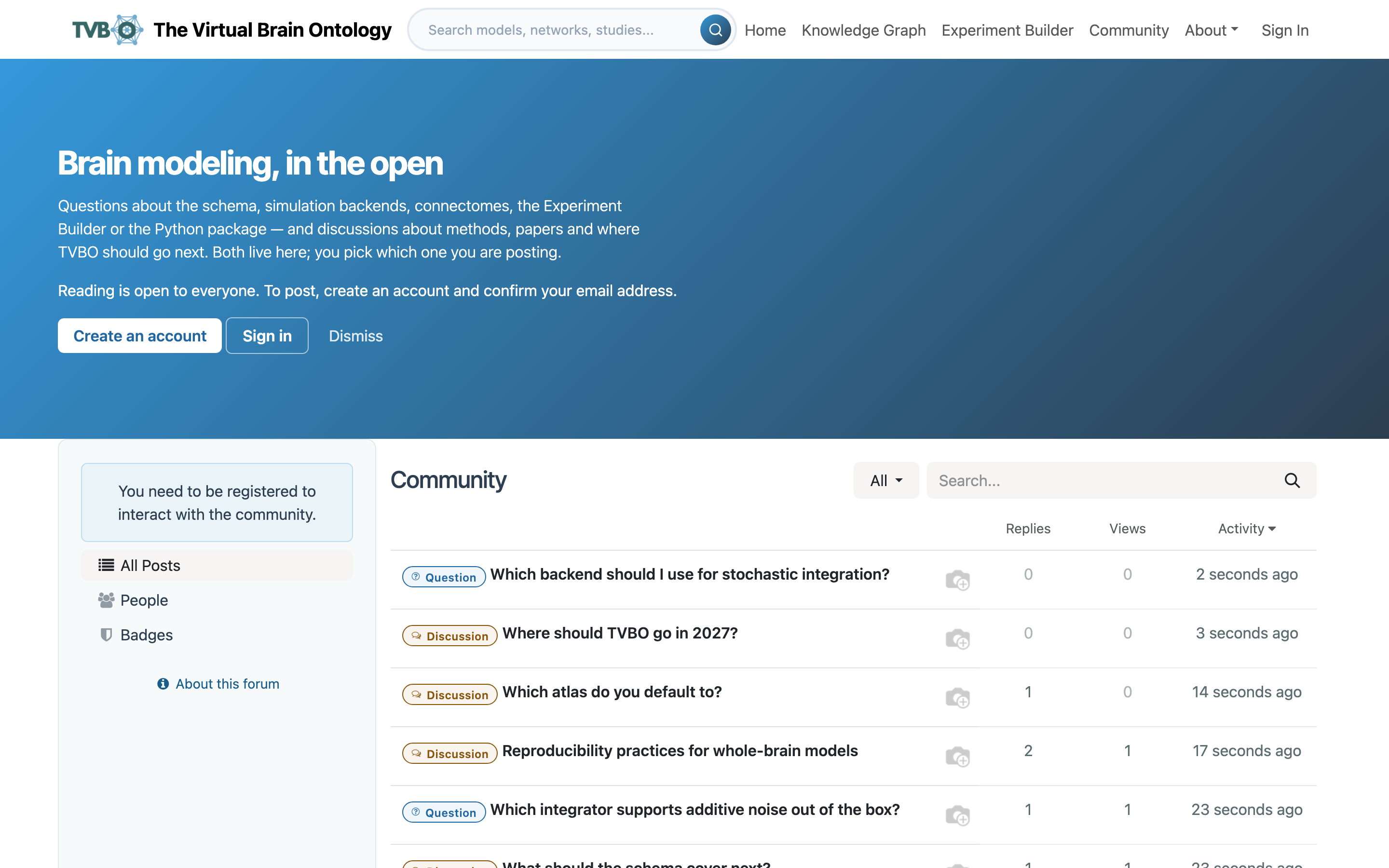 ### Forum One place for both discussion and questions, with karma as the permission system. Built and documented, but not yet reachable on the deployed site.
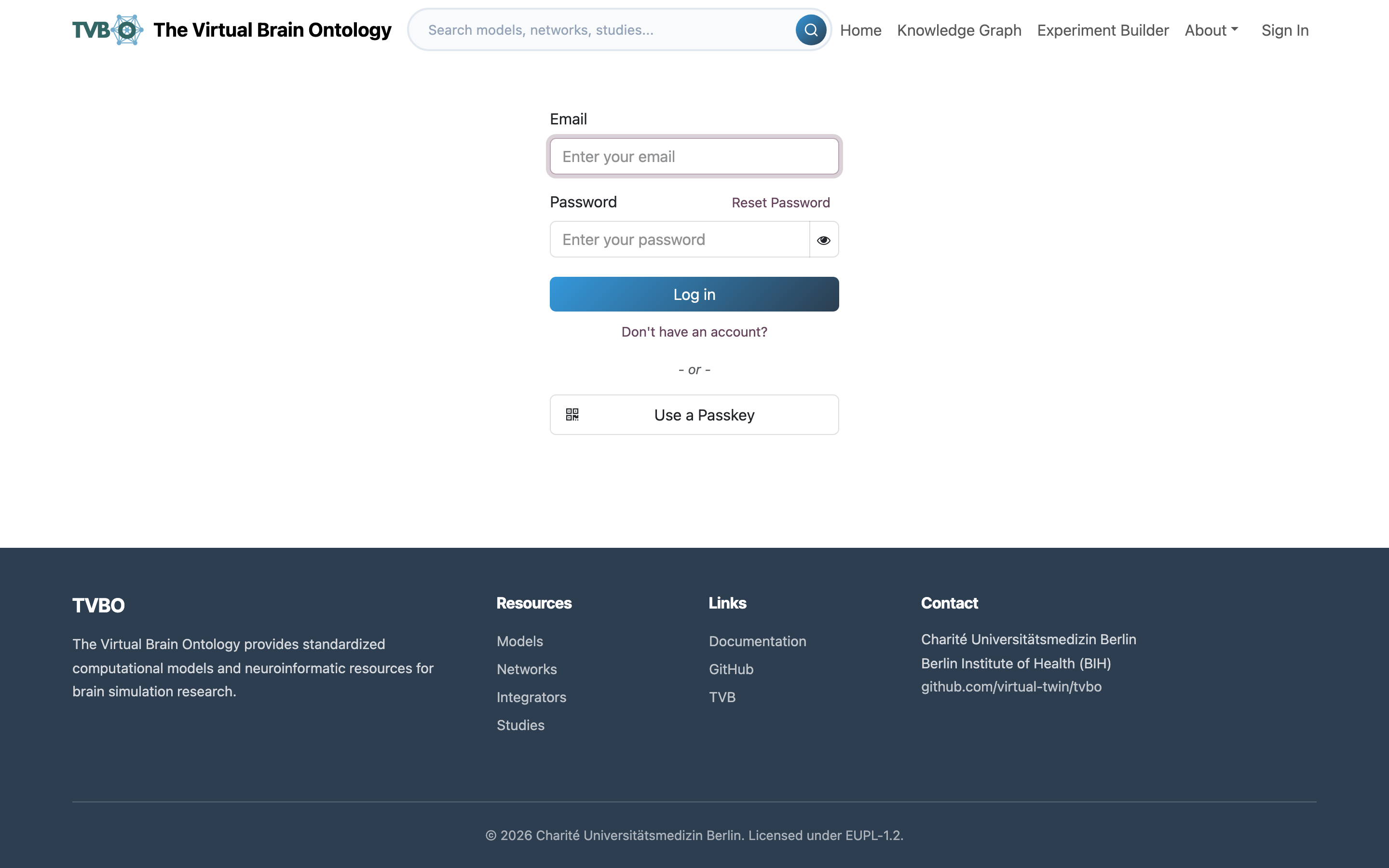 ### Accounts Email and password, no separate identity provider. Registration takes under a minute and is only needed to keep work, not to do it.
Screencasts
The platform guide carries a short screencast for each area. They play there rather than here, so they stay current with the interface.
| Screencast | Watch |
|---|---|
| Browse the library | /docs/home |
| Find and inspect a model | /docs/knowledge-graph |
| A knowledge-graph tour | /docs/knowledge-graph-graph-view |
| The experiment-builder workflow | /docs/experiment-builder |
| Build an experiment | /docs/experiment-builder-building |
| Run an exported experiment in Python | /docs/experiment-builder-export |
| An account tour | /docs/account |
What runs it
Three services. Odoo 19 with a custom TVBO module serves the web interface and the knowledge-graph browser; a FastAPI service built from the tvbo image runs the simulations and the REST API; PostgreSQL holds the database. The compute service is the same open-source package you install locally, so the browser and your laptop execute the same code on the same specification.
The tvbo package is at github.com/virtual-twin/tvbo. The platform module is not yet public.
For anything beyond a check run — sweeps, fitting, cluster jobs — install the package and keep going locally:
pip install tvboInstallation and Getting started pick it up from there.